Home Automation Metro Detroit
Home Automation for Metro Detroit Homes
Would it help to turn off several rooms with one button, or start a movie without sorting through remotes? We plan home automation around the things you want to make easier. Whether you are building, renovating or improving an existing system, you can choose how much to connect.
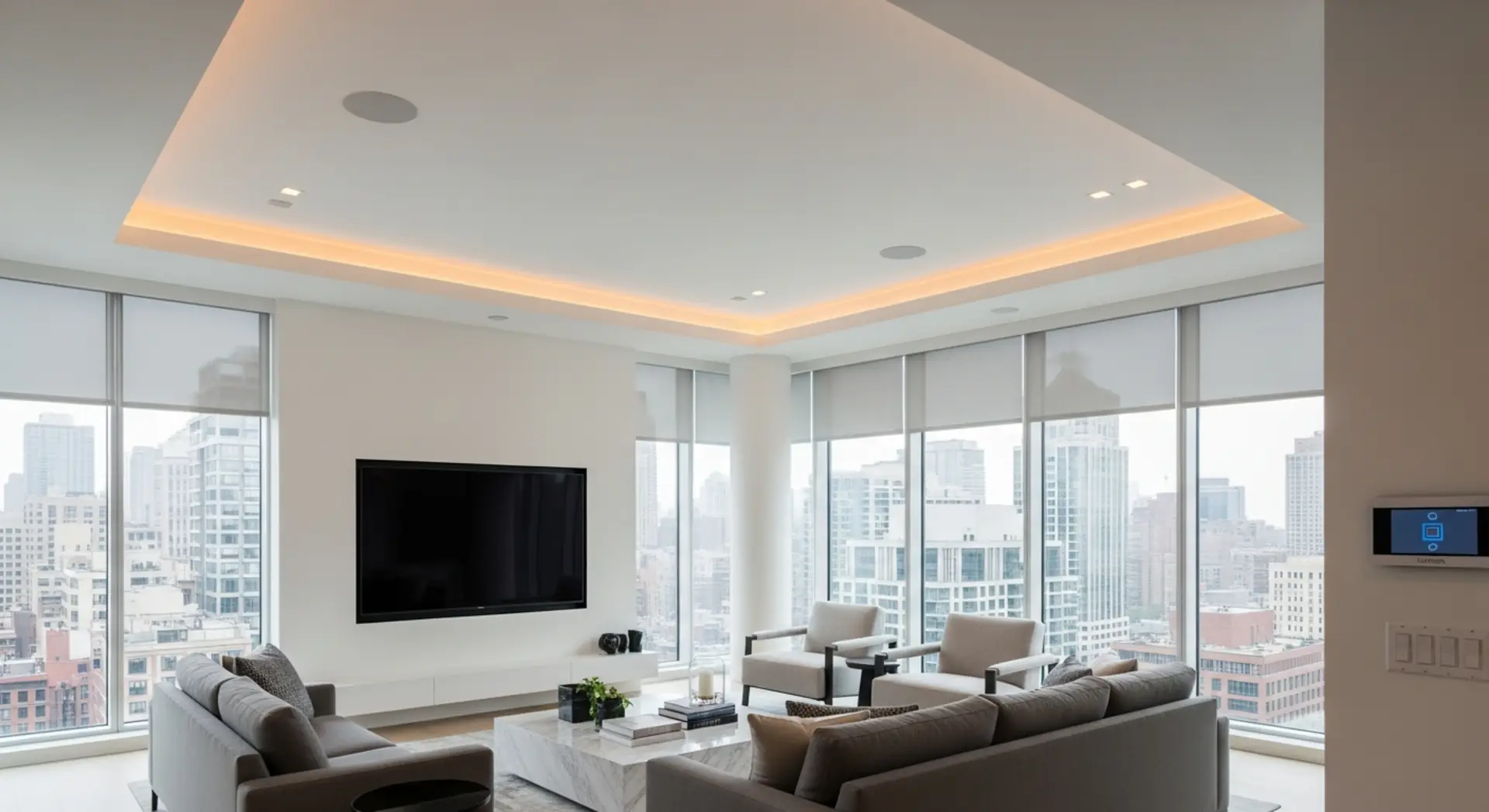
What we can work on together.
Fewer separate controls
Bring compatible lights, music, video, shades and other devices together where it helps. We check the equipment before promising what can be connected.
Settings for everyday moments
Set the lights for dinner or bring up your usual music with controls that make sense to your household.
A network that supports the system
We check Wi-Fi, wired connections and power before adding more devices. Optional monitoring is discussed separately.
A plan for later additions
Think ahead about wiring and equipment space without buying everything now. Future additions still need a compatibility check.
Where this can help.
- Households that want fewer apps and easier everyday controls
- New construction homes where automation can be planned in from the start
- Renovations where existing wiring and equipment need a careful review
- Homeowners with Control4 or another system that could be easier to use
Here’s how we get started.
- 01
Tell us about your home
What would you like to do, what gets in the way, and what already works well? We listen before recommending equipment.
- 02
Choose a plan you understand
We explain the options, costs, timing and work involved, including what needs coordinating with your builder or other trades.
- 03
Install and test
We carry out the agreed work, check the connections and programming, and test the things you will use each day.
- 04
Get comfortable using it
We walk through the controls with you and discuss useful documentation and future help. Ongoing support is optional and agreed separately.
- Control4
- Lutron
We’ll check which products fit your home and work together. The brands shown are equipment options, not a claim of a dealer relationship with each one.
Common questions.
Do I have to use Control4?
No. Control4 may be useful when you want several systems working together. Standalone Lutron RadioRA 3 controls, lighting design or a smaller AV installation may be enough. We can talk through the differences.
Will it work with the smart devices I already own?
Some may be a good fit. Tell us what you have and we will check the models, connections and supported features before recommending what to keep or change.
Can I add to it later?
Yes, additions can be considered in the initial plan. We look at wiring, network capacity and equipment space. New devices still need checking, and some additions involve more than programming.
What does it cost?
The number of rooms, connected systems and installation work make a difference. Tell us what you want to do and the budget you have in mind so we can discuss a realistic plan, including any ongoing costs.
Already have a system?
Not everything needs to start from scratch.
If you already have equipment, even from another installer, tell us about it. We can help you compare repairs, selective upgrades and replacement before you commit to something new.
Have a question?
Let’s talk
it through.
You might know exactly what you want, or just know something needs to be better. Either is a good place to start.
Tell us what you need